
30 Days: Outbreak PC & Mac Emulator Guide
Larger screens for practice—without sideload nonsense.
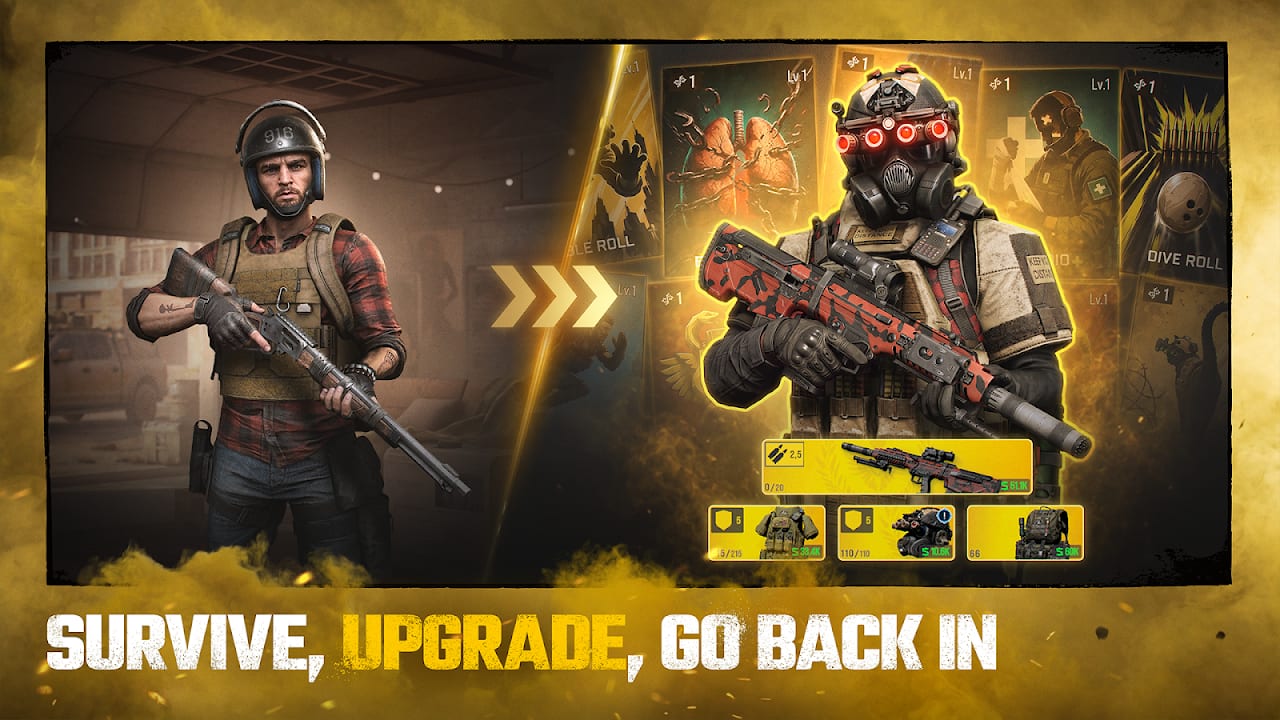
Some scavengers prefer a monitor, keyboard, and mouse while learning 30 Days: Outbreak. Android emulators (MuMu Player–style and similar) can run the soft launch build on Windows or Mac when store access and publisher terms allow. This guide covers practical baselines, binding habits, and Alpha risks. It is general information, not a tutorial for bypassing regional store rules or Plarium terms.
Soft launch is live in Poland and Ukraine. If your account cannot see package com.plarium.outbreak30days, fix eligibility via Soft Launch Access before tuning graphics presets.
Who should consider an emulator
- Players practicing aim and camera peeks from Controls on a larger display
- Co-op groups that already voice chat on PC
- Devices that cannot spare ~3.11 GB plus patch space
- Creators capturing learning raids for personal review
Who should stay on the phone
- Anyone whose store region cannot legally install the game
- Players hitting anti-cheat or login errors unique to emulators
- Scavengers who play better on touch than on click-mapped HUDs
System baselines
These are common Android emulator minimums—not official Plarium PC specs (Outbreak is a mobile title):
Windows
- OS: Windows 7 or newer (64-bit strongly preferred; newer Windows recommended)
- CPU: 4 cores or better
- RAM: 4 GB minimum; 8 GB+ comfortable for modern emulators
- GPU: Drivers updated; enable virtualization (VT-x / AMD-V) in BIOS when available
- Disk: SSD preferred; leave headroom beyond the ~3.11 GB game download
macOS
- OS: macOS 11 or newer
- Chip: Apple Silicon recommended for current emulator builds that support it
- RAM: 8 GB+ advised for smooth instance performance
- Confirm your chosen emulator’s Mac build explicitly supports Android Play services
If the emulator itself will not boot, fix virtualization and Hyper-V conflicts before blaming Outbreak.
Clean install flow (high level)
- Install a reputable Android emulator from its official site—not a random ad pack.
- Sign into the same Google account that can see the soft launch listing.
- Open Google Play inside the emulator and install
com.plarium.outbreak30daysfrom the official listing. - Deny shady “mod menus” and cracked APKs.
- Allocate 4 CPU cores / 4 GB RAM to the instance as a starting point, then raise if frames stutter.
- Set display to a 16:9 phone or tablet profile that keeps UI buttons reachable.
Never download Outbreak from unofficial mirrors promising global unlocks.
Keybind mapping tips
Map emulator keys to the same mental model as mobile:
| Action | Suggested binding |
|---|---|
| Move | WASD → virtual left stick |
| Look | Mouse → right look pad |
| Fire | Left mouse |
| ADS | Right mouse |
| Reload | R |
| Interact / loot | E or F |
| Heal consumable | 1–3 number keys |
| Weapon swap | Q or scroll |
| Sprint | Shift |
Rehearse the Controls 15-minute drill before contested raids. Emulator aim can feel stronger—do not inflate ego kits on Best Loadouts until extract rate proves it.
Performance checklist
- Close browser farms and RGB suites eating RAM
- Prefer OpenGL / Vulkan modes recommended by your emulator docs
- Cap FPS if heat throttling causes input stutter
- Disable unnecessary shared folders and high-risk root toggles
- Keep the emulator and graphics drivers updated during Alpha
Soft launch and ToS caveats
- Regional store access still applies inside emulators.
- VPNs and mismatched accounts can break payments or violate terms—see the access guide for general caveats without treating circumvention as a tip.
- Soft launch wipes can erase emulator progress the same as phone progress.
- Plarium support (tps.support@plarium.com) may ask for device details; be honest about platform.
- If official communications discourage emulators later, follow those rules over this wiki page.
Gameplay habits that still matter on PC
Emulators do not remove PvPvE logic:
- Audio still wins—use headphones
- Greed still kills—follow the Extraction Guide
- District atmosphere still changes gun roles—read Districts
- No confirmed codes will replace discipline
Related pages
A clean emulator setup is just another way to practice the same scavenger craft. Keep installs legitimate, expect Alpha resets, and spend your advantage on smarter extracts—not on shady APKs.
Frequently Asked Questions
Quick answers to the most common soft launch questions.
Can I play 30 Days: Outbreak on PC?
There is no native PC client highlighted for soft launch. Some players use Android emulators when store access and terms allow.
What are basic Windows requirements for emulators?
Common baselines are Windows 7+, a 4-core CPU, and 4 GB RAM, with virtualization enabled and more RAM preferred.
What about Mac?
Use macOS 11+ and prefer Apple Silicon builds of emulators that support Play services. Check your emulator's Mac docs.
Does an emulator bypass region locks?
No. Google account / storefront region still controls listing visibility. This guide does not recommend ToS violations.
Is it safe to use modified APKs in an emulator?
No. Stick to Google Play installs. Mods and cracks risk malware and bans.
Will emulator progress survive a wipe?
Not if Plarium resets soft launch / Alpha data. Progress rules are server-side.