
30 Days: Outbreak Player Tools
Emulator guidance and practical helpers around the Alpha build.
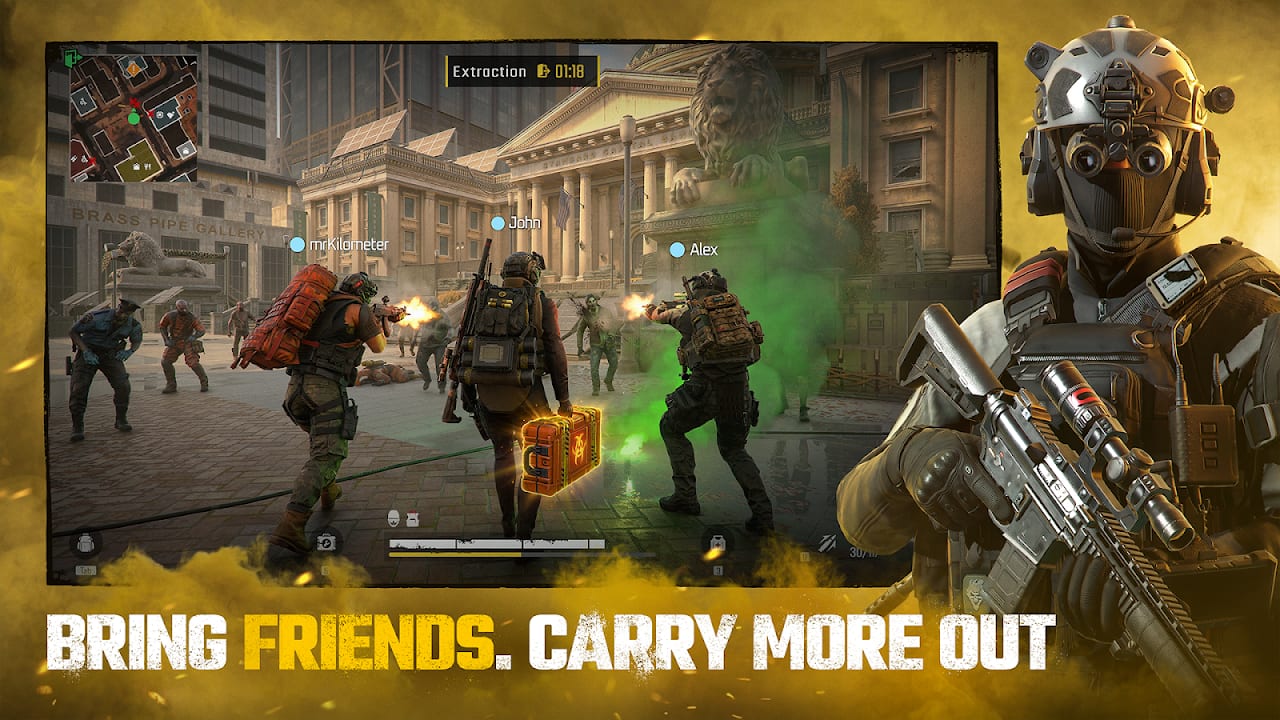
Not every scavenger plays 30 Days: Outbreak only on a phone. This Tools Hub collects practical helpers around Plarium’s free-to-play third-person zombie extraction shooter—starting with Android emulator guidance for PC and Mac players who want keyboard aim practice or a larger screen during soft launch, plus device performance habits for the Alpha build.
Tools pages do not replace the official stores. Always install through Google Play / App Store paths that match your account region. Soft launch is live in Poland and Ukraine; global release is unconfirmed, and Alpha progress may wipe.
Tools in this hub
- PC Emulator Guide — MuMu-style Android emulator setup, Windows and macOS baselines, and soft launch caveats.
- Performance Tips — ~3.11 GB storage prep, Alpha FPS cap reports, thermal/network habits, and emulator cross-links.
More utilities (interactive loadout sheets, wipe checklists, or region checkers) will appear here only when they stay accurate for Outbreak—not as empty placeholders.
When an emulator helps
- Testing sensitivity and third-person camera feel on a monitor
- Coordinating co-op voice while using keyboard/mouse overlays supported by your emulator
- Recording learning raids for personal review
- Playing when your phone storage cannot fit the ~3.11 GB install reported by gameplay channels
When to stay on mobile
- Touch-first UI that feels worse with click mapping
- Official anti-cheat or store policies that discourage emulator clients in your region
- Unstable Alpha netcode that already struggles on native devices
Read the emulator child page before spending hours on configs. If frames hitch or the phone runs hot, open Performance Tips first. Pair either tool with Soft Launch Access so you understand regional store gates, and with Controls so keybinds map to real combat habits.
Related wiki hubs
- Guides Hub — gameplay tutorials
- Tier List Hub — weapons and loadouts
- Updates Hub — soft launch news and Alpha window
- Codes Hub — no confirmed codes yet
- Links Hub — Play Store, Plarium, support
Use tools to reduce friction—not to bypass store rules or chase cracked APKs. Scavengers who keep clean installs keep their accounts longer when Plarium expands the test.
Device prep checklist before any helper tool
- Confirm store visibility for
com.plarium.outbreak30days. - Free storage beyond the ~3.11 GB install size reported by gameplay channels.
- Update phone OS or emulator graphics drivers.
- Note your account region for support tickets to tps.support@plarium.com.
- Read Soft Launch News and Alpha Test Window so wipe rumors do not surprise you mid-config.
- Skim Performance Tips if you already see thermal throttle or Alpha FPS quirks (~40 cap reports).
What this hub will not host
- Cheat engines, speed hacks, or script injectors
- Paid “unlock global” services
- Unverified promo code generators (see Codes)
- Invented district maps presented as official
If a community tool becomes useful and stays accurate, it will earn a child page with clear limitations. Until then, PC Emulator and Performance Tips are the primary utilities, and the rest of your edge comes from Guides discipline.
Frequently Asked Questions
Quick answers to the most common soft launch questions.
Does Plarium officially support emulators?
Follow Plarium and store terms for your region. This hub explains common emulator setups as general PC/Mac guidance, not as a bypass for geo or ToS rules.
Which tool page should I open first?
Open Performance Tips if your device runs hot or hitchy. Open the PC Emulator Guide if you want to play on Windows or Mac. Otherwise return to Guides for on-device play.
Will tools include cheat menus or script injectors?
No. This wiki only documents legitimate helpers. Cheats risk bans and ruin PvPvE integrity.
Can tools save me from a soft launch wipe?
No. Wipes are server-side. Tools cannot preserve Alpha progress if Plarium resets the economy.
Where do I download the real game?
Use the official Play Store listing linked from the Links Hub, or the App Store in supported soft launch regions.